
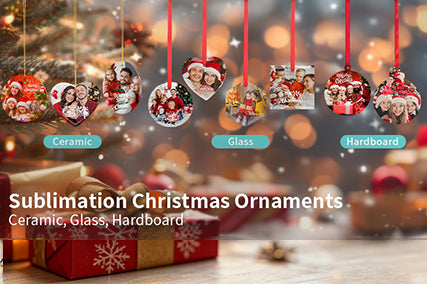
Have you ever wondered:
- How do you sublimate glass ornaments?
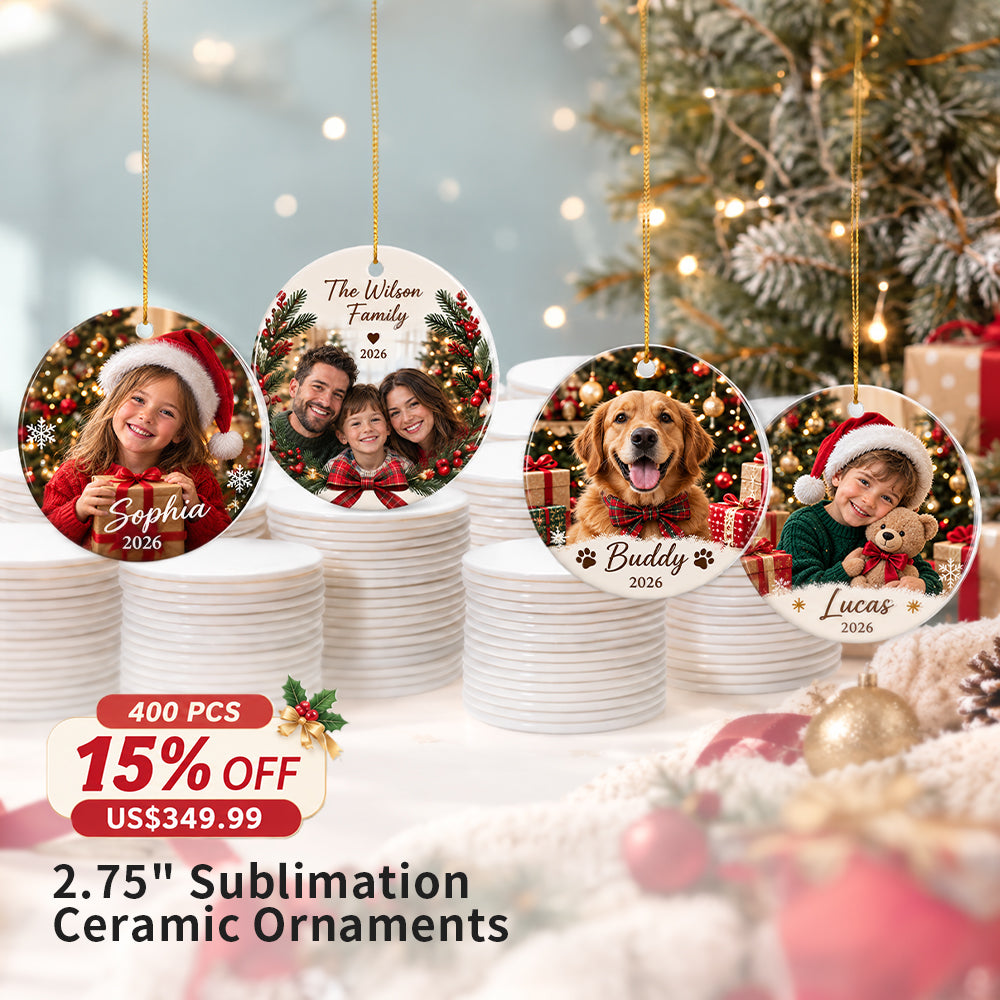
- How do you sublimate ceramic ornaments?
- Can you use a heat press for sublimation ornaments?
- Can you use a sublimation vacuum oven instead?
- What temperature should you use for glass ornaments?
- What temperature should you use for ceramic ornaments?
- How do you prevent ghosting on round ornaments?
- Which sublimation method is better for beginners?
If you're making personalized Christmas ornaments, photo ornaments, or custom holiday gifts, both a top and bottom heat press and a sublimation vacuum oven can produce beautiful results.
But do they work the same way?
Not exactly.
The shape, coating, pressure, and heating method all affect the final transfer.
So, which method should you choose?
Let's break down both methods step by step.

What Do You Need to Sublimate Glass and Ceramic Ornaments?
Before you start, do you have everything ready?
You'll typically need:
- Sublimation glass ornaments
- Sublimation ceramic ornaments
- Sublimation printer
- Sublimation paper
- Heat-resistant tape
- silicone wrap
- Heat-resistant gloves
-
Top and bottom heat press
or - sublimation vacuum oven
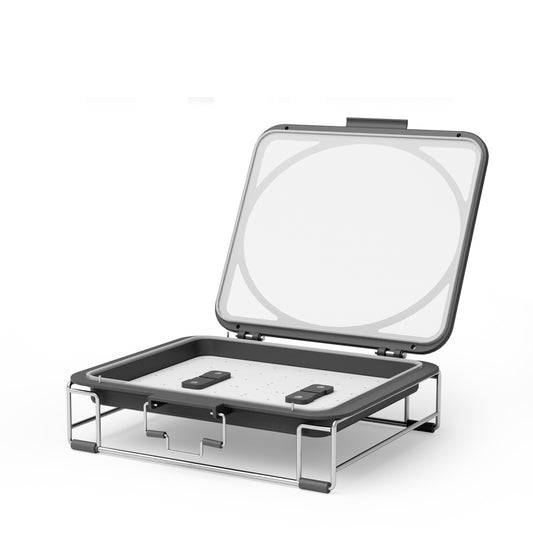
- Vacuum accessories when using the oven method
Are you using a glass ornament?
Is the sublimation coating facing the transfer?
Are you using a ceramic ornament?
Have you checked which side is designed for sublimation?
Before pressing, shouldn't you always confirm the printable surface?
Method 1: How to Sublimate Ornaments With a Top and Bottom Heat Press?
Want a straightforward method without using a vacuum oven?
A top and bottom heat press can be a great option for flat ornaments.
But how should you position the ornament?
And why does bottom heat matter?
Because ornaments can be relatively thin and rigid, heating from both directions can help provide more even heat across the substrate.
Step 1: Prepare Your Sublimation Design
Have you printed your design slightly larger than the printable area?
Shouldn't your design cover the entire coated surface?
Tips: For Glass Ornaments,No need mirror your design when printing
Before pressing:
- Print your design using sublimation ink.
- Trim the transfer if necessary.
- Position the printed design over the coated side of the ornament.
- Secure it firmly with heat-resistant tape.
Why tape the design?
Because even a small movement during pressing can create ghosting or blurry edges.
Step 2: How Should You Position the Ornament?
Is the printed design facing the coated surface?
Is the ornament centered correctly?
Place the ornament between the upper and lower heating elements according to your heat press instructions.
Wouldn't uneven positioning create uneven pressure?
Add sicilone wrap make sure the ornament is sitting flat and securely before closing the press.
Step 3: What Are the Recommended Settings for Glass Ornaments?
Looking for a good starting point?
For sublimation glass ornaments, try:
Temperature: 356°F (180°C)
Time: 120 seconds
But is that the final setting for every machine?
Not necessarily.
Why?
Because different heat presses, blanks, and coatings can transfer differently.
Shouldn't you always test one ornament before starting a large batch?
Step 4: What About Ceramic Ornaments?
Can ceramic ornaments use the same settings as glass?
They may require different heating times.
A good starting point for ceramic ornaments is:
For a two-sided design, you may use top and bottom heat press machine:
Lower Platen Temperature: 302°F
Upper Platen Temperature: 392°F
Time: 150 seconds
With a traditional single-sided heat press, you need to press each side separately, which means printing and transferring the design twice. With our top and bottom heat press, both sides can be heated simultaneously, so you only need to print and transfer the design once. This not only improves production efficiency but also helps achieve more consistent and even transfer results.
Step 5: What Should You Do After Pressing?
Is the transfer finished?
Carefully open the heat press and remove the ornament using heat-resistant gloves.
Should you immediately place it on a cold surface?
It's better to handle hot glass and ceramic carefully and allow the ornament to cool in a safe position.
Once cooled, can you remove the sublimation paper?
Yes.
Does the image look vibrant, sharp, and evenly transferred?
If not, shouldn't you check the temperature, time, pressure, and paper contact before changing everything at once?
Method 2: How to Sublimate Glass and Ceramic Ornaments With Vacuum Oven?
What if your ornament has a curved surface?
What if you want more flexibility for irregular-shaped products?
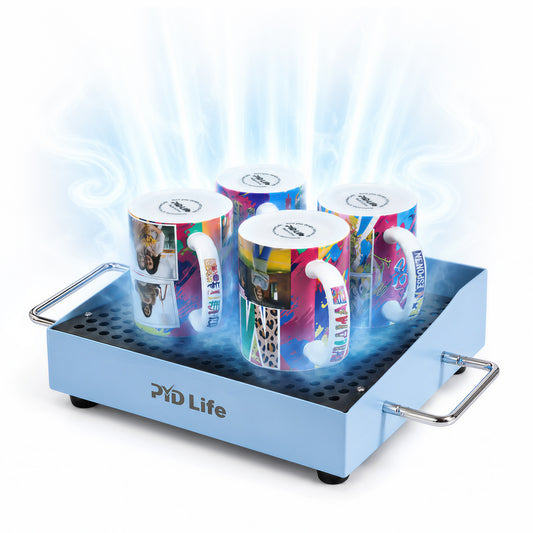
This is where a sublimation vacuum oven can be useful.
Instead of relying on direct heat-press pressure, the vacuum system pulls the transfer tightly against the ornament.
But how does the process work?
Step 1: Prepare Your Sublimation Design
Have you printed the correct size?
Does the design completely cover the printable surface?
Print the design using sublimation ink and paper.
Then:
- Trim the design if needed.
- Position it over the coated side.
- Secure it with heat-resistant tape.
Why is secure positioning important?
Because movement during vacuuming can cause ghosting.
Step 2: How Do You Preheat the Vacuum Tray?
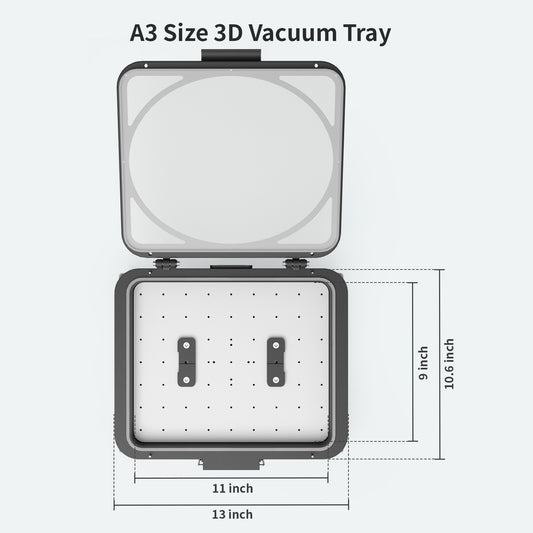
Are you using the correct vacuum tray for your oven?
Have you connected the compatible vacuum pump?
Before starting, make sure the tray, and vacuum system are properly installed.
please preheat 356°F 15Mins
These checks can help prevent incomplete transfers.
Step 3: How Do You Secure the Ornament for Vacuum Sublimation?
Place the ornament into the appropriate tray.
Is the transfer paper positioned correctly?
Is the coated side facing the sublimation transfer?
Make sure the ornament is securely positioned before creating the vacuum.
Why?
Because the vacuum will pull the transfer tightly against the surface.
Any loose or incorrectly positioned material may affect the final image.
Step 4: How Do You Start the Vacuum Sublimation Process?
Is everything securely positioned?
Is the vacuum pump connected?
Place the vacuum tray into the sublimation oven.
Activate the vacuum system according to your oven's instructions.
Then start the heating cycle.
Wouldn't it be better to confirm the vacuum is working properly before starting the full heating cycle?
Yes.
A stable vacuum helps maintain close contact between the transfer and the ornament.
Step 5: What Settings Should You Use in a Vacuum Oven?
Are you wondering whether oven settings are exactly the same as heat-press settings?
Not necessarily.
A vacuum oven uses circulating hot air rather than direct contact heating.
Temperature: 356 ℉,Time:5 Mins,suitable for sublimation printing by Vacuum Oven
Therefore, the time and temperature may need to be adjusted according to:
- Ornament material
- Ornament thickness
- Coating
- Vacuum setup
- Oven performance
Wouldn't a small test batch be the safest way to determine the ideal settings?
For best results, start with the blank manufacturer's recommended parameters and adjust gradually.
Which Method Is Better for Glass Ornaments?
Are you mainly printing flat glass ornaments?
Do you want a straightforward workflow?
A top and bottom heat press may be the easier choice.
But what if you want to print different shapes?
What if you're already using a vacuum sublimation system?
A vacuum oven can provide greater flexibility for different product shapes and sizes.
Which Method Is Better for Ceramic Ornaments?
Are your ceramic ornaments relatively flat?
A top and bottom heat press can provide direct heat and pressure.
Are you looking for a more versatile production setup?
A vacuum oven may be worth considering, especially if you also print other 3D or curved sublimation products.
Why Does My Ornament Look Faded?
Did you use enough heat?
Was the transfer time long enough?
Was the sublimation paper making full contact?
Was the coated side facing the design?
Could the ornament coating itself be affecting the result?
These are some of the first questions you should ask.
Why Is My Ornament Blurry?
Did the transfer move during pressing?
Was the paper securely taped?
Was the vacuum stable?
Even a small movement can create a ghosting effect.
Wouldn't securing the transfer before heating be one of the easiest ways to prevent this?
Why Are There White Spots on My Ornament?
Was the printable surface completely clean?
Could there have been dust or lint underneath the transfer?
Did you remove all protective film?
A tiny particle between the transfer and ornament can prevent the dye from reaching the coating.
Wouldn't cleaning the surface before every transfer reduce this risk?
Glass vs. Ceramic Ornaments: Which One Should You Choose?
Still deciding?
Why not consider the final product you're trying to create?
Glass Ornaments
Are you looking for:
- A premium appearance?
- Elegant Christmas decorations?
- Bright, detailed designs?
Glass ornaments can be an excellent choice.
Ceramic Ornaments
Would you prefer:
- A classic holiday appearance?
- A more traditional ornament style?
- Personalized family or Christmas designs?
Ceramic ornaments may be a better fit.
Heat Press vs. Vacuum Oven: Which Method Should You Use?
Still wondering which equipment is right for you?
| Question | Top & Bottom Heat Press | Vacuum Oven |
|---|---|---|
| Flat ornaments? | Excellent | Excellent |
| Direct pressure? | Yes | Vacuum pressure |
| Curved products? | More limited | More flexible |
| Simple workflow? | Yes | Requires more setup |
| Multiple product types? | More specialized | More versatile |
So which one is better?
Is one universally better?
Not really.
The best method depends on your ornament shape, production needs, and the other sublimation products you plan to make.
FAQ
What temperature should I use for glass sublimation ornaments?
A good starting point is 356°F (180°C) for 120 seconds, but shouldn't you test the setting with your specific blank and equipment?
What temperature should I use for ceramic ornaments?
Temperature: 356 ℉,Time:250 S,suitable for sublimation printing by heat press machine. If use our top and bottom heat press machine, just need 356 ℉, 120 S for both sides printing at once.
Can I sublimate ornaments with a heat press?
Yes. A top and bottom heat press can be used for suitable flat sublimation glass and ceramic ornaments.
Can I sublimate ornaments in a vacuum oven?
Yes. A compatible sublimation vacuum oven can be used with the appropriate vacuum tray.
Why does my sublimation ornament look faded?
Could the temperature be too low? Could the transfer time be too short? Could the paper contact be insufficient? These are the first factors to check.
Why is my ornament blurry after sublimation?
Did the transfer move during heating? If the paper shifts, even slightly, ghosting and blurry images can occur.
Do glass and ceramic ornaments use the same settings?
Not necessarily. Glass and ceramic have different heat-transfer characteristics, so you should use the manufacturer's recommended settings as your starting point.
Which method is better for beginners?
Is simplicity your priority?
A top and bottom heat press may be easier to learn.
Do you want to print ornaments along with other curved or 3D products?
Then a vacuum oven may offer greater versatility.
